
WhatsApp Customer Support Bot: Reply to Every Client Instantly
A WhatsApp customer support bot that answers FAQs, escalates to you, and never leaves a client waiting. Setup guide, use cases, and best practices.
Customers hate waiting. A WhatsApp customer support bot replies the instant a message lands, handles the boring repeat questions without you, and quietly escalates the tricky ones — so your team only ever sees the conversations that actually need a human.
This guide covers what a support bot does, how to set one up, and the workflows that make it feel like a real support team rather than a frustrating robot. For the auto-reply basics, pair this with our WhatsApp auto reply bot guide.
Watch an easy support-bot setup
What is a WhatsApp customer support bot?
It is an AI assistant connected to your support number (or your personal business number) that:
- Answers FAQs instantly — pricing, hours, location, returns, shipping.
- Captures context (order number, account details) before involving a human.
- Escalates sensitive or unusual issues to you or a team group.
- Runs 24/7, including weekends and holidays.
- Keeps every conversation logged for quality and training.
Crucially, it does all of this inside WhatsApp — not in a separate widget your customer has to open, not in an email chain that gets buried. Because the support lives where the customer already is, adoption is instant: there is nothing to install and no account to create. The conversation also persists, so a customer who messages again next week picks up the same thread with full context intact.
Why WhatsApp for customer support
Email is slow, phone is intrusive, and web chat disappears the moment the tab closes. WhatsApp hits a sweet spot:
- Where customers already are. No new app, no new account.
- High open and reply rates. Far higher than email.
- Rich media. Customers can send a photo of the broken item, a voice note, a PDF receipt.
- Threaded history. The conversation persists, so context is not lost between sessions.
- Personal. It feels like texting a person, not filing a ticket.
Setting up your support bot
Step 1 — Connect your support number
Go to botfast.co, enter the number customers already contact you on, and scan the QR code. Customers keep texting the same number — nothing changes for them.
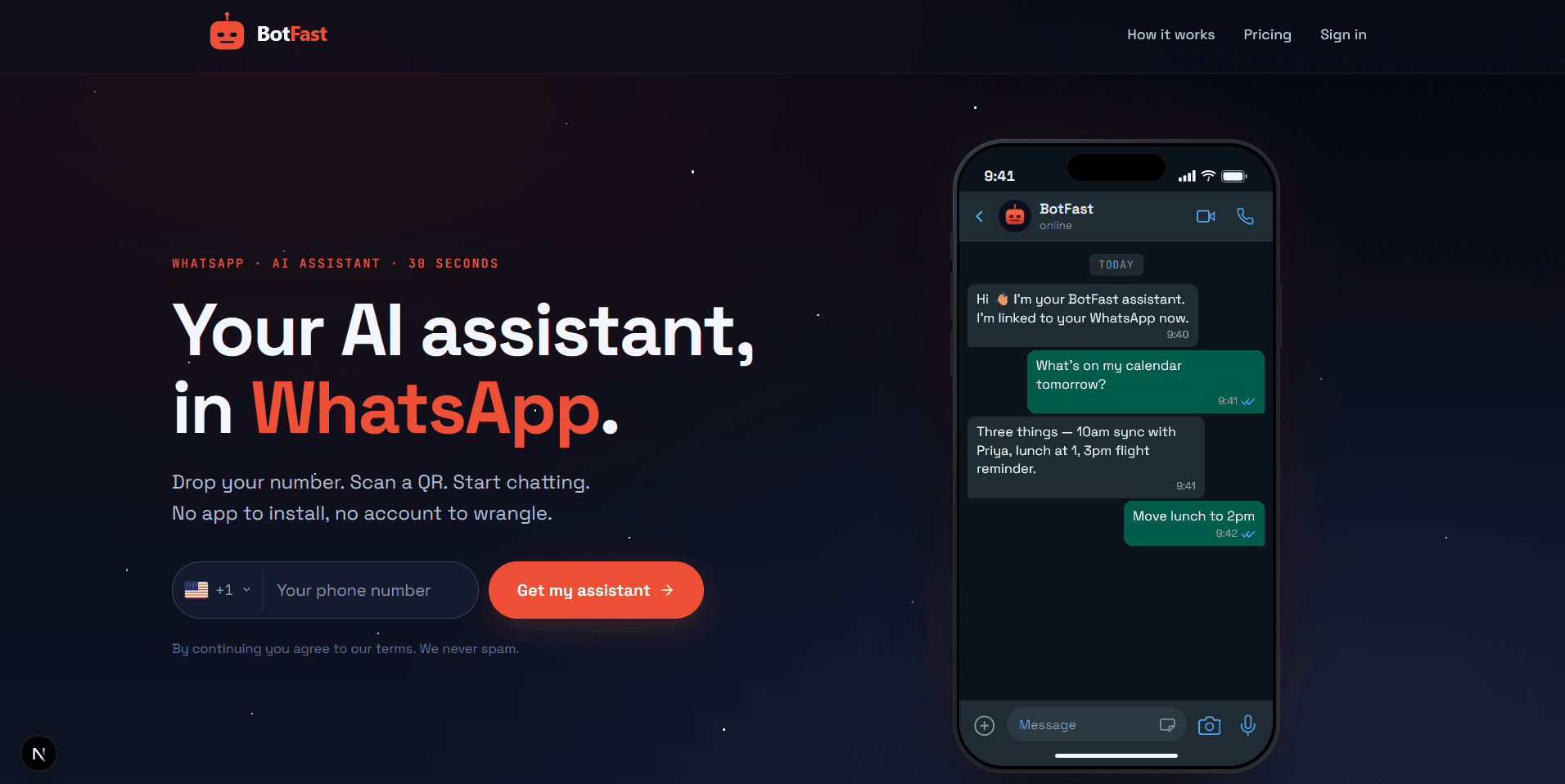
Enter the number customers already use — they keep texting the same line after you add the support bot
Step 2 — Add FAQ skills
Write one skill per common question. Examples:
1. "When someone asks about shipping, reply 3-5 business days domestically and share the tracking link if they have an order number."
2. "When someone asks about returns, explain our 14-day policy and the return form link."
3. "When anyone asks our hours, say Mon-Fri 9am-6pm, closed weekends."
The bot answers these accurately every time, in your brand voice.
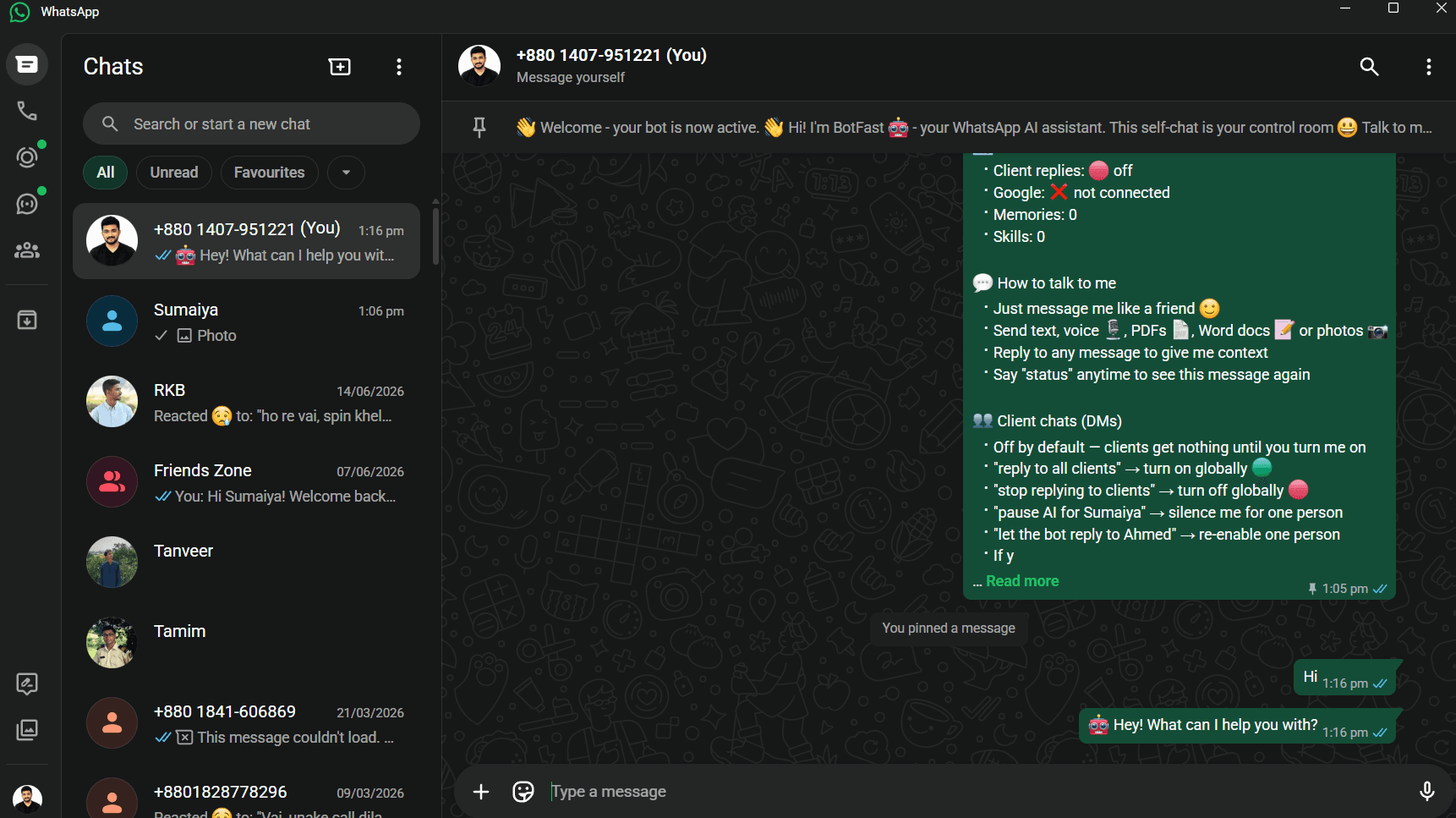
Type each FAQ as its own skill — the support bot applies the right answer to the right question
Step 3 — Set the escalation rule
The bot should know when to stop. Add an owner-level rule:
If a customer is angry, asks for a refund over $50, or has a problem you cannot solve with the FAQ skills, stop replying, collect their order number and a one-line description of the issue, and notify me privately with the details.Step 4 — (Optional) Route to a team group
If you have a support team, create a WhatsApp group and let the bot post escalations into it. An agent picks up the thread in the original chat. See the WhatsApp group bot guide for group setup.
Support workflows that work
| Scenario | Bot action |
|---|---|
| "Where is my order?" | Asks for order number, looks it up, replies with status |
| Refund request | Captures details, notifies owner, holds the thread |
| Technical issue | Asks 2 qualifying questions, then escalates with context |
| After hours | Sets expectations, captures request, promises a morning reply |
| Photo of damaged item | Acknowledges, saves the photo to Drive, opens a ticket |
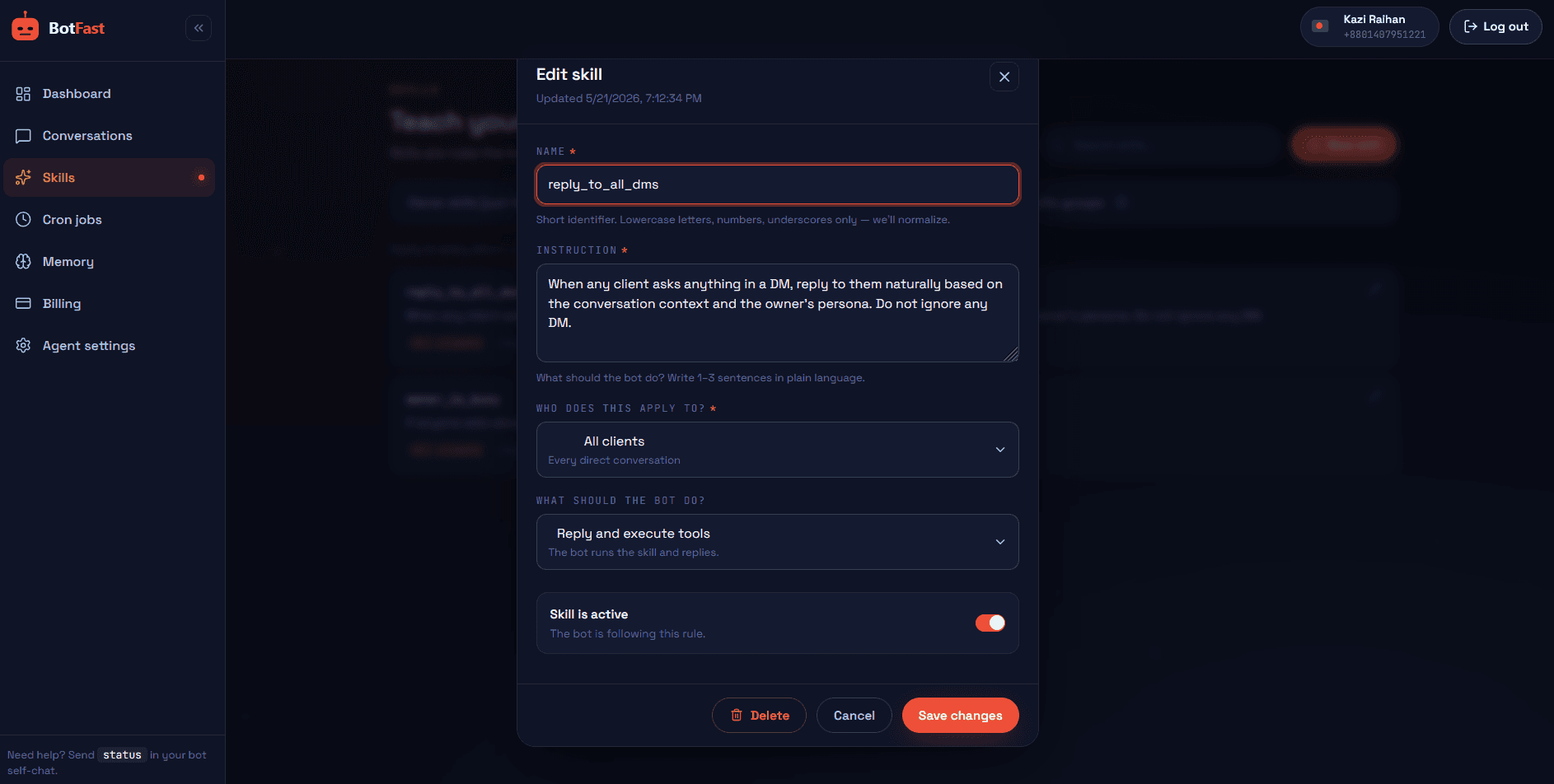
Build and scope each support skill from the visual editor — global, per-contact, or silent
The art is in the handoff between bot and human. A good workflow never leaves the customer repeating themselves: whatever the bot collected (order number, a photo, a one-line description) is carried straight into the escalation, so the agent who picks up the thread already has the context. That continuity is what makes a WhatsApp customer support bot feel like a real team rather than a ticketing system bolted onto chat.
Support bot best practices
- Always offer a human. Even an AI-first bot should make escalation frictionless — "I'll get a human on this now" beats a loop of bad answers.
- Be transparent about the bot. A small "(automated assistant)" note early on sets the right expectation.
- Keep replies short. One solution per message; long replies get skimmed and ignored.
- Update FAQ skills from real tickets. Every escalated ticket is a hint about a skill to add.
- Review weekly. The dashboard shows every conversation — find the awkward ones and refine.
Done well, this turns WhatsApp into your highest-rated support channel. It is the core of a mature WhatsApp business automation setup.
Support metrics to track
A WhatsApp customer support bot that is not measured tends to drift. These are the numbers that tell you whether the bot is genuinely helping customers or just talking a lot. Pull them from the dashboard each week and compare against your pre-bot baseline.
| Metric | What it tells you | Healthy signal |
|---|---|---|
| Response time | How fast the first useful reply lands after a customer messages | Seconds, not hours — even at 2 am |
| Deflection rate | Share of conversations resolved by the bot without a human | 50–80% for most businesses |
| CSAT signals | Positive cues ("thank you", thumbs-up, no follow-up complaint) | Rising positive sentiment week over week |
| Escalation rate | How often the bot hands off to a human | Stable, not climbing — a spike means a skill is broken |
| After-hours coverage | Tickets captured and acknowledged outside business hours | Every off-hours message gets a reply |
The single most revealing number is the gap between deflection rate and escalation rate. If deflection is high but escalations keep climbing, the bot is confidently giving wrong answers — tighten the FAQ skills and add a clearer escalation rule. Pair these metrics with the broader ROI framework in our WhatsApp business automation guide.
Copy-paste support skills
These three skills cover the support scenarios that generate the most tickets. Paste each one into your self-chat as its own message and adjust the specifics to your business.
Order-status lookup
When a customer asks about their order, delivery, or "where is my package", ask for the order number, look up that row in my Orders Google Sheet, and reply with the current status and estimated delivery date in one short sentence. If you cannot find the order, say so and ask for the email address they ordered with.Refund intake
When someone requests a refund, be calm and empathetic. Capture their order number, the reason for the refund, and the amount. Confirm you have logged it, tell them our team reviews refunds within 2 business days, and message me privately with all the details so I can approve it. Do not promise the refund yourself.Angry-customer de-escalation
If a message sounds angry, frustrated, or mentions cancelling, a lawyer, or social media, do not argue. Acknowledge their frustration in one sentence, apologise sincerely without admitting fault, say you are escalating to the owner right now, then stop replying and message me privately with a summary and the customer's number so I can take over personally.Layer these on top of the auto-reply fundamentals from our WhatsApp auto reply bot guide, and you have a support operation that runs itself for the routine 80% of tickets.
Frequently asked questions
What is a WhatsApp customer support bot?
An AI assistant on your WhatsApp that answers customer questions, deflects FAQs, captures details, and escalates to a human when needed — all inside WhatsApp.
How does it reduce ticket volume?
By resolving repetitive questions automatically, so only unusual or sensitive issues reach your team.
Can it escalate to a human agent?
Yes — it detects when it cannot confidently answer, collects details, and privately notifies an owner or posts into a team group.
Is WhatsApp good for customer support?
Yes — customers already use it, open and reply rates are high, it supports media, and threads persist across sessions.